TV Size for Room Distance: The Viewing Distance Formula That Ends the Guessing

My friend Sara saved for months to buy a 75 inch TV. She mounted it on her small apartment living room wall, sat eight feet away, and got a headache by the second episode of her favorite show. Two weeks later she boxed it up and swapped it for a 50 inch model. Movie night finally felt right. Her mistake was the most common one in home decor. She guessed instead of measuring. This guide teaches you the simple formula behind TV size for room distance, so you buy the perfect screen the first time and the receipt stays in the drawer where it belongs.
The Simple TV Size for Room Distance Formula
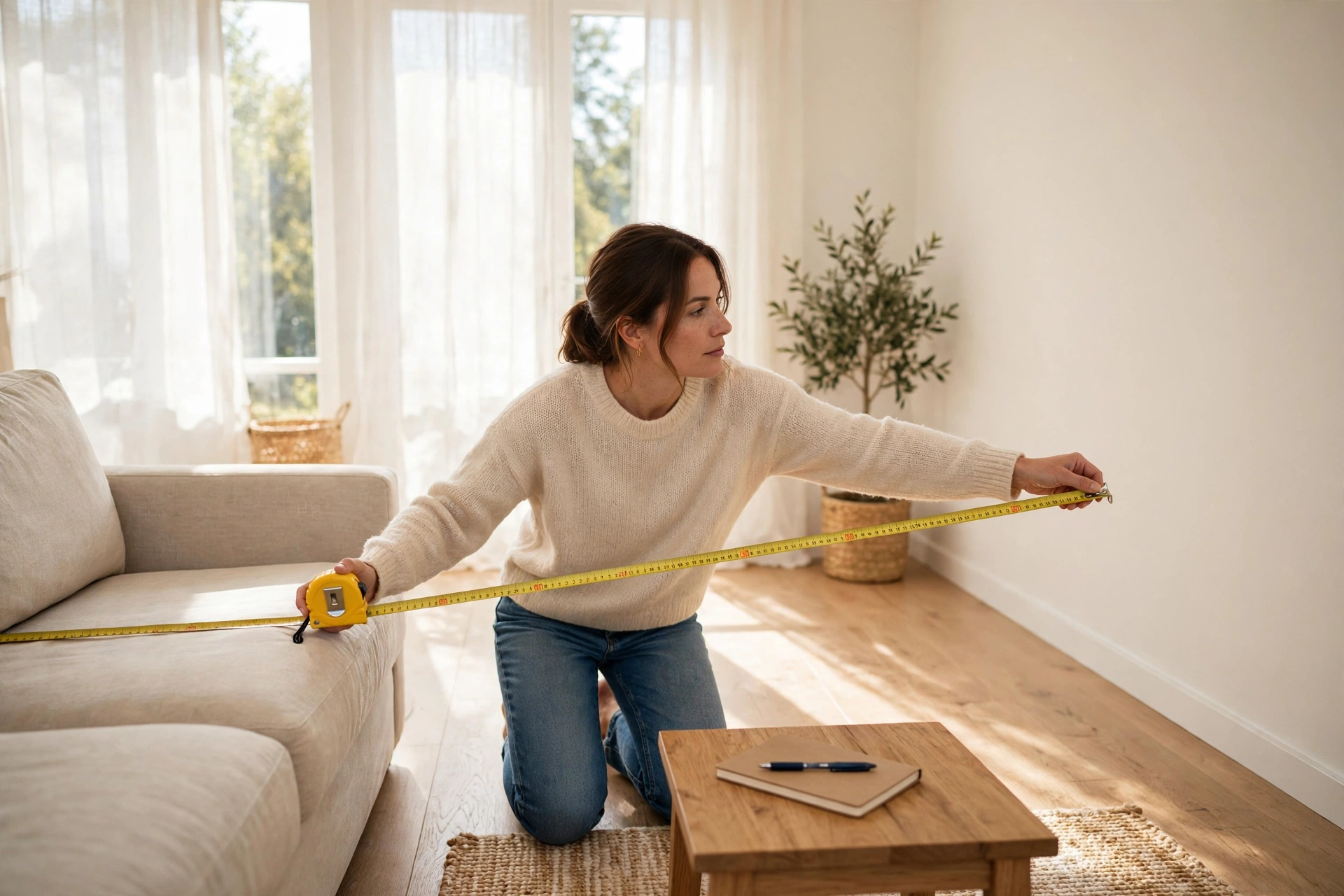
Every correct TV choice starts with one measurement. Sit on your main seat, the spot where you watch most, and measure from your eyes to the wall or stand where the TV will go. Write the number down in inches. That single number decides everything.
Here is the formula that professionals use. Take your viewing distance in inches and divide it by 2.5. The result is your sweet spot screen size. If you want a bold, cinematic feel, divide by 2 instead. If you prefer a relaxed and conservative fit, divide by 3. This is the heart of TV size for room distance math, and it works in every room.
Try the numbers yourself. If you sit 108 inches away, which is nine feet, the math gives you 54 inches at the bold end, about 43 inches at the sweet spot, and 36 inches at the safe end. A 50 or 55 inch TV will feel perfect in that room. No guessing. No headaches. No returns.
This formula does not come from thin air. The Society of Motion Picture and Television Engineers, known as SMPTE, recommends that your screen fill at least 30 degrees of your field of vision. THX, the company behind cinema quality standards, raises that ideal to 36 degrees for movies. Your divide by 2.5 answer lands right inside that professional zone. You are using real movie theater science in your living room. Remember that screen size always means the diagonal measurement of the screen itself, not the width of the TV cabinet or the stand. One more detail matters. Measure to where your eyes rest, not to the front edge of the couch. People lean back, and two feet of lean changes the math by a full screen size. If you share the TV with a partner, measure from the middle of the shared seating, not from your favorite corner spot. A little care here pays off for years.
Match the Screen to Your Room Type
Numbers feel abstract until you picture your own room. Use the formula first, then check your room type below to fine tune the choice.
TV Size for Room Distance in Small Bedrooms
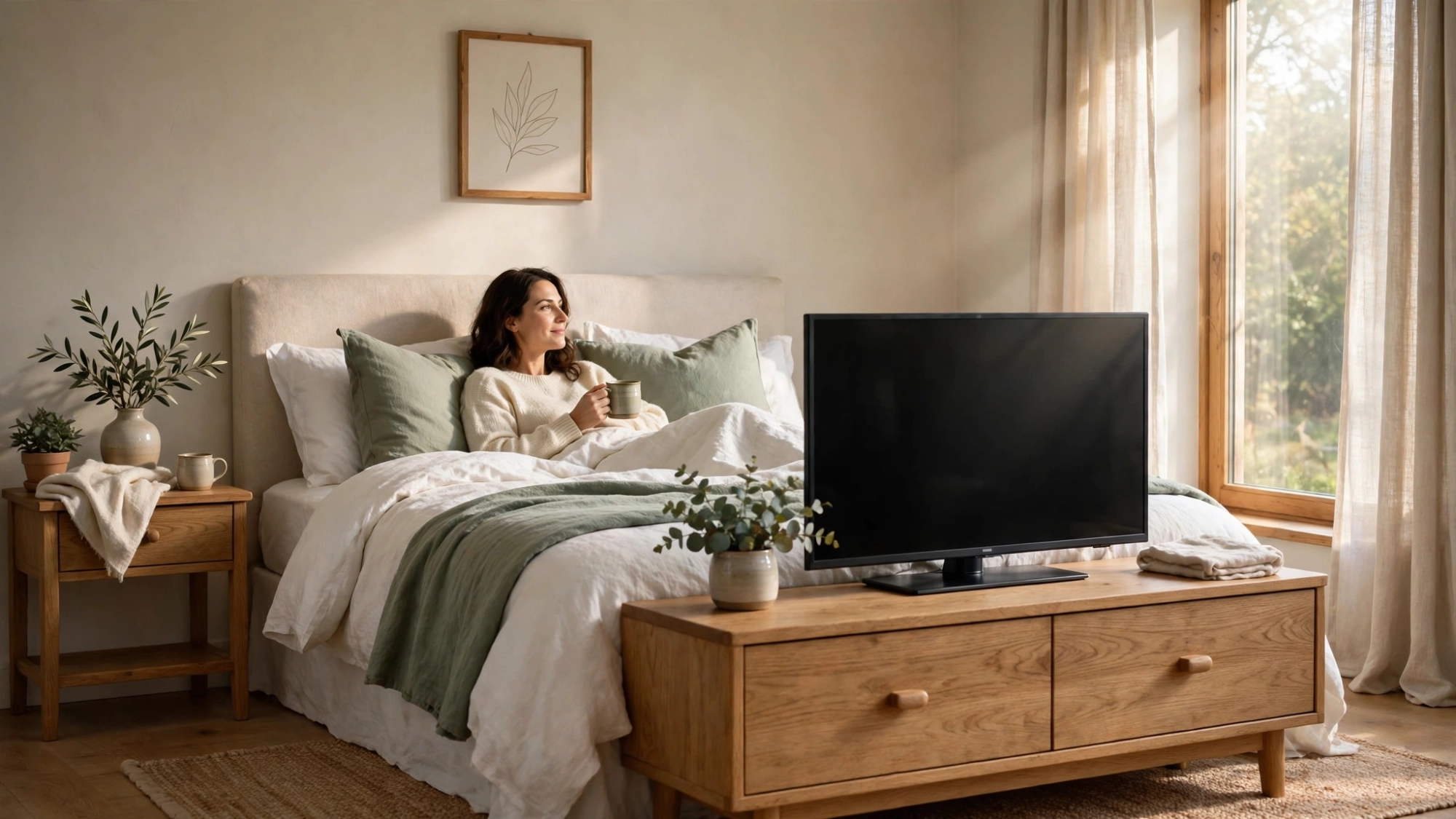
In a bedroom you usually watch from six to eight feet away, often while lying down. The formula points to a 32 to 43 inch screen, and that range is correct. A TV at the foot of the bed sits lower in your view, so keep the screen center close to your eye line when you recline. If your bedroom doubles as a gaming spot, stay near the smaller end of the range. Fast games on a huge screen up close tire your eyes quickly. Wall mounting saves precious floor space in tight bedrooms and keeps the screen at a stable, comfortable angle.
Average Living Rooms
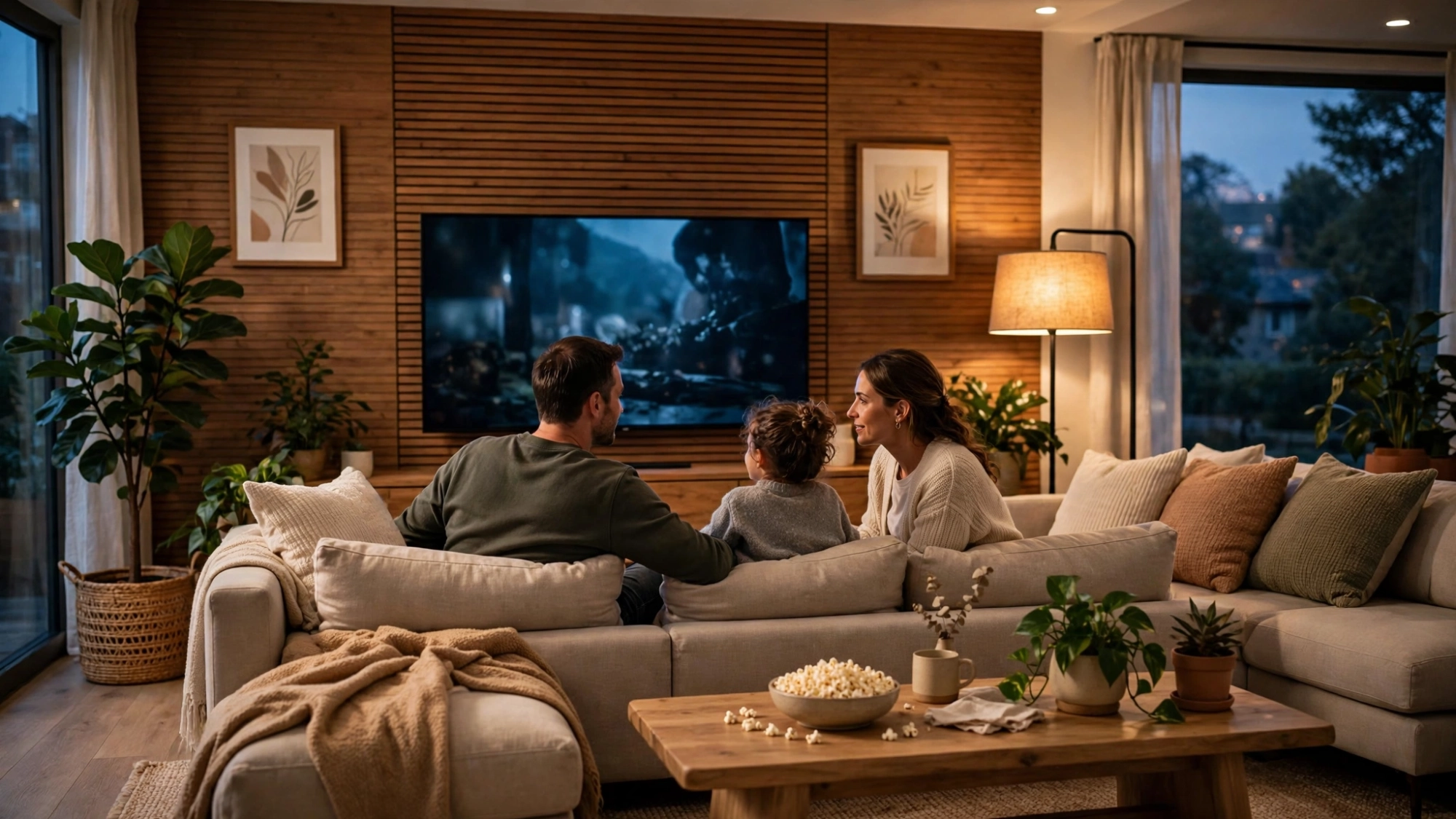
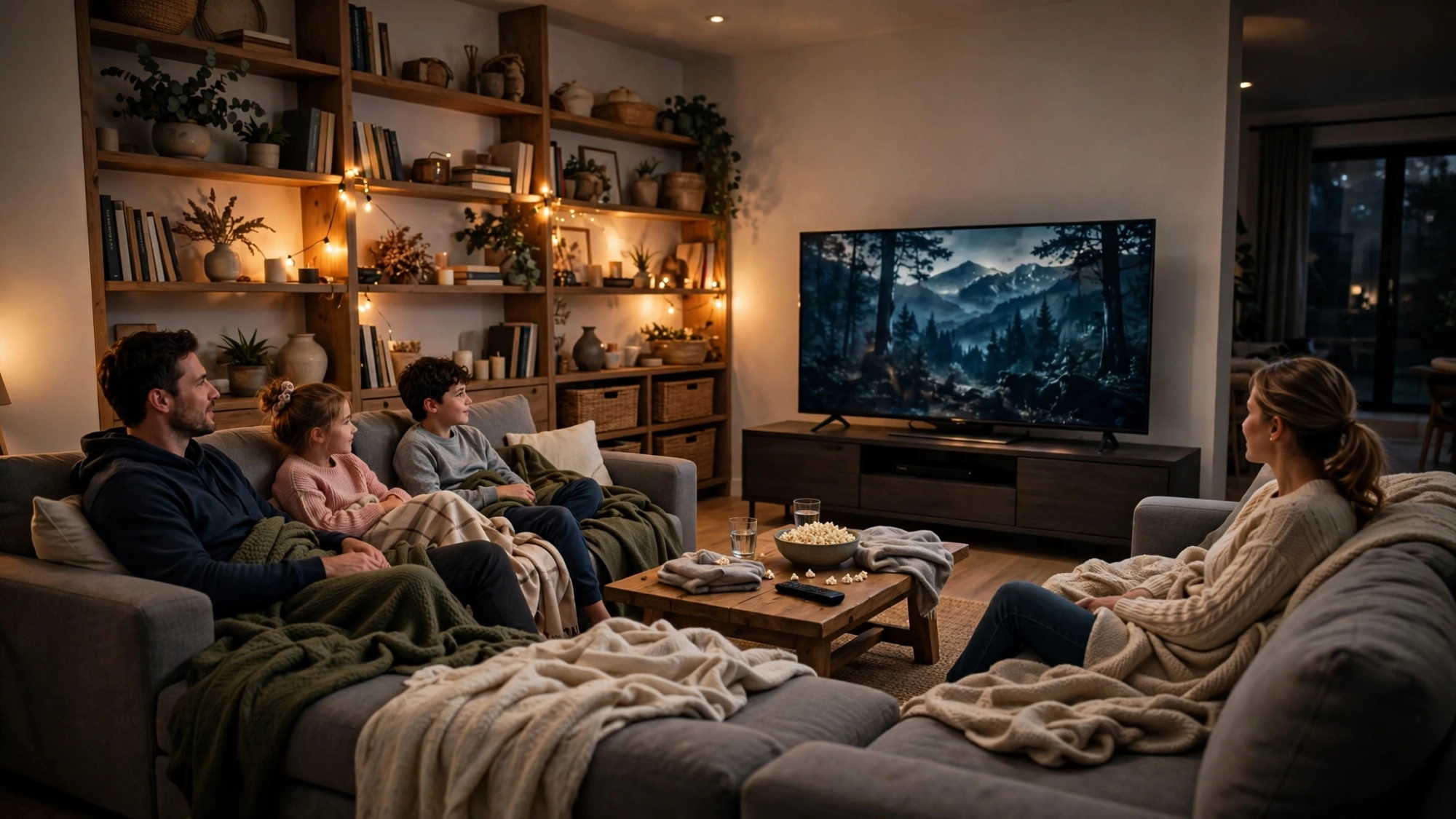
Most living rooms put the couch nine to twelve feet from the TV wall. That distance calls for a 50 to 70 inch screen, with 55 to 65 inches as the sweet spot for most families. Pay attention to side seats here. Anyone sitting far off center sees the picture at a sharp angle, so choose a panel with wide viewing angles if your sectional spreads wide. A soundbar under the TV also adds width to the setup, so measure the full console before you order. Families with kids should size for where the kids sit on the floor too, since little ones often watch closer than the couch.
Open Plan Rooms and Home Theaters
Big rooms with thirteen feet or more of viewing distance need big screens. Anything under 65 inches will look lost on the wall and feel small from the back row. The formula often lands at 75 to 85 inches, and a projector becomes a real option at this distance. If you run two rows of seating, size for the back row and let the front row enjoy the cinematic feel. Add blackout curtains if daylight hits the screen, because glare hurts more on large displays. Keep your front speakers clear of the screen edges so the sound matches the big picture.

How 4K Changes the TV Size for Room Distance Equation
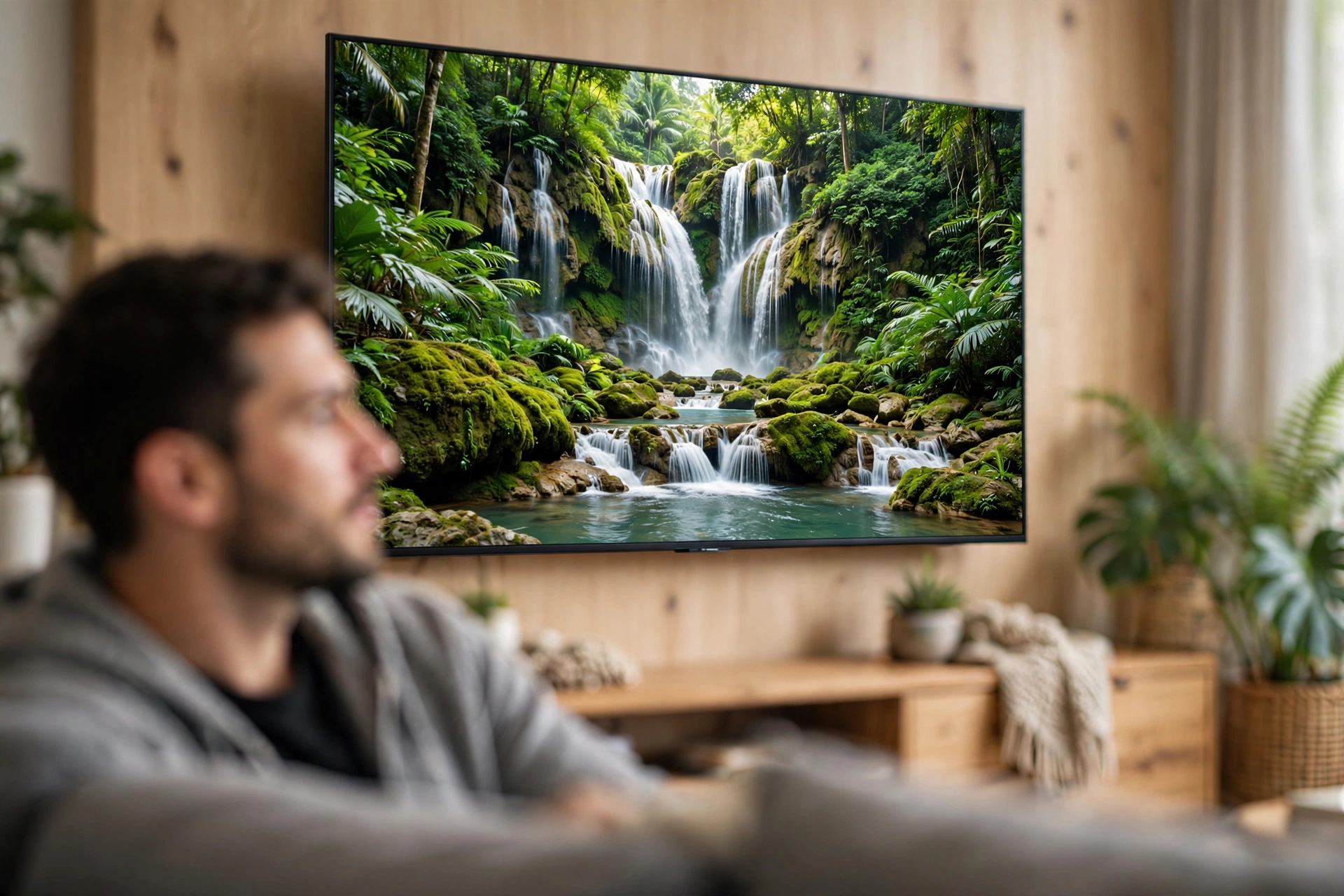
Resolution changes how close you can sit. A 4K screen packs four times the pixels of a 1080p screen, so individual pixels stay invisible even when you sit near. That means your TV size for room distance decision can safely lean toward the larger end of your formula range.
The reverse is also true. If you still own a 1080p TV, going big up close reveals the pixel grid and softens the picture. With 1080p, stick to the sweet spot or the conservative end of the formula. Since almost every new TV today is 4K, most buyers can confidently choose the bolder size. Check your current TV before you assume. Many people upgrade the screen and keep an old 1080p habit of sitting far away, which wastes the new resolution. Shoppers eyeing 8K models get even more freedom, but honest 8K content is still rare, so buy for the 4K you will actually watch.
7 TV Size for Room Distance Mistakes Most People Make
These mistakes cost real money and real comfort. Read them before you shop.
1. Choosing by budget alone. A great deal on the wrong size is not a deal. Set the size from the formula first, then find the best TV at that size within your budget. 2. Measuring the room instead of the seat. Room length means nothing. Only the distance from your eyes to the screen matters, so measure from where you actually sit. 3. Trusting the store demo. Showroom floors are huge, which makes every TV look smaller than it will look at home. A 55 inch TV that looks modest in the store can dominate a small living room. 4. Ignoring the side seats. The main couch gets the perfect view, but guests on the side chairs see a washed out picture on narrow angle panels. Size and panel type should serve the whole room. 5. Forgetting resolution. A giant 1080p screen viewed up close shows pixels. Match your boldness to your resolution, as the 4K section above explains. 6. Hanging the TV too high. Size and height work together. The center of the screen should sit near eye level from your main seat. Our separate TV mounting height guide covers the exact numbers, so handle both decisions together. 7. Going too small to play it safe. An undersized TV in a large room strains your eyes and kills the cinema feeling. Trust the formula instead of your fear.

Measure Your Room in 5 Simple Steps
You need a tape measure and five minutes.
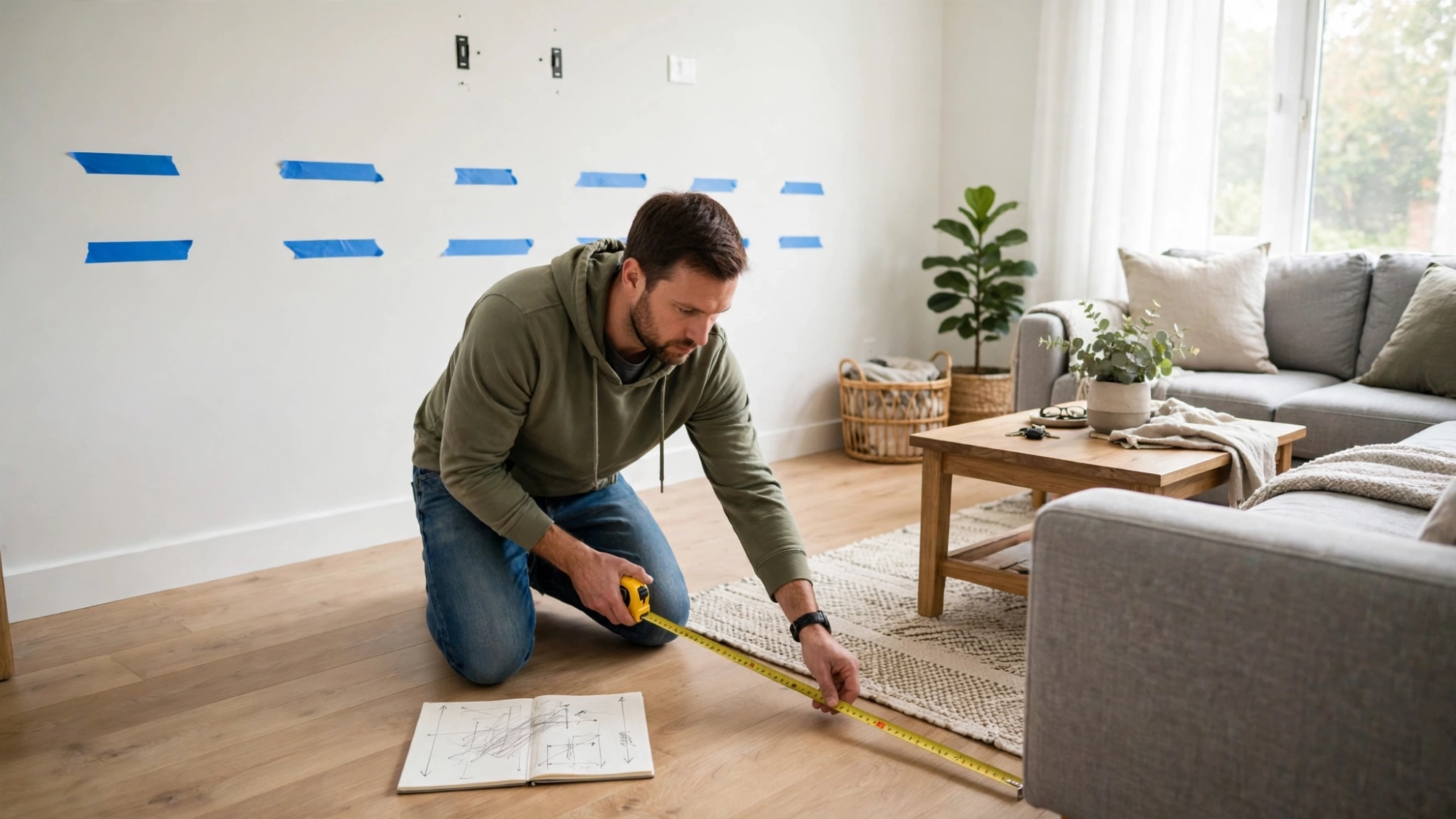
1. Sit in your main viewing seat and relax into your normal posture. 2. Measure from your eyes straight to the TV wall or stand, in inches. 3. Divide that number by 2.5 for your sweet spot size, by 2 for cinematic, by 3 for conservative. 4. Compare the result with the quick chart below and your room type above. 5. Measure twice before you order, including the console width, the wall space, and the delivery path through your doors.
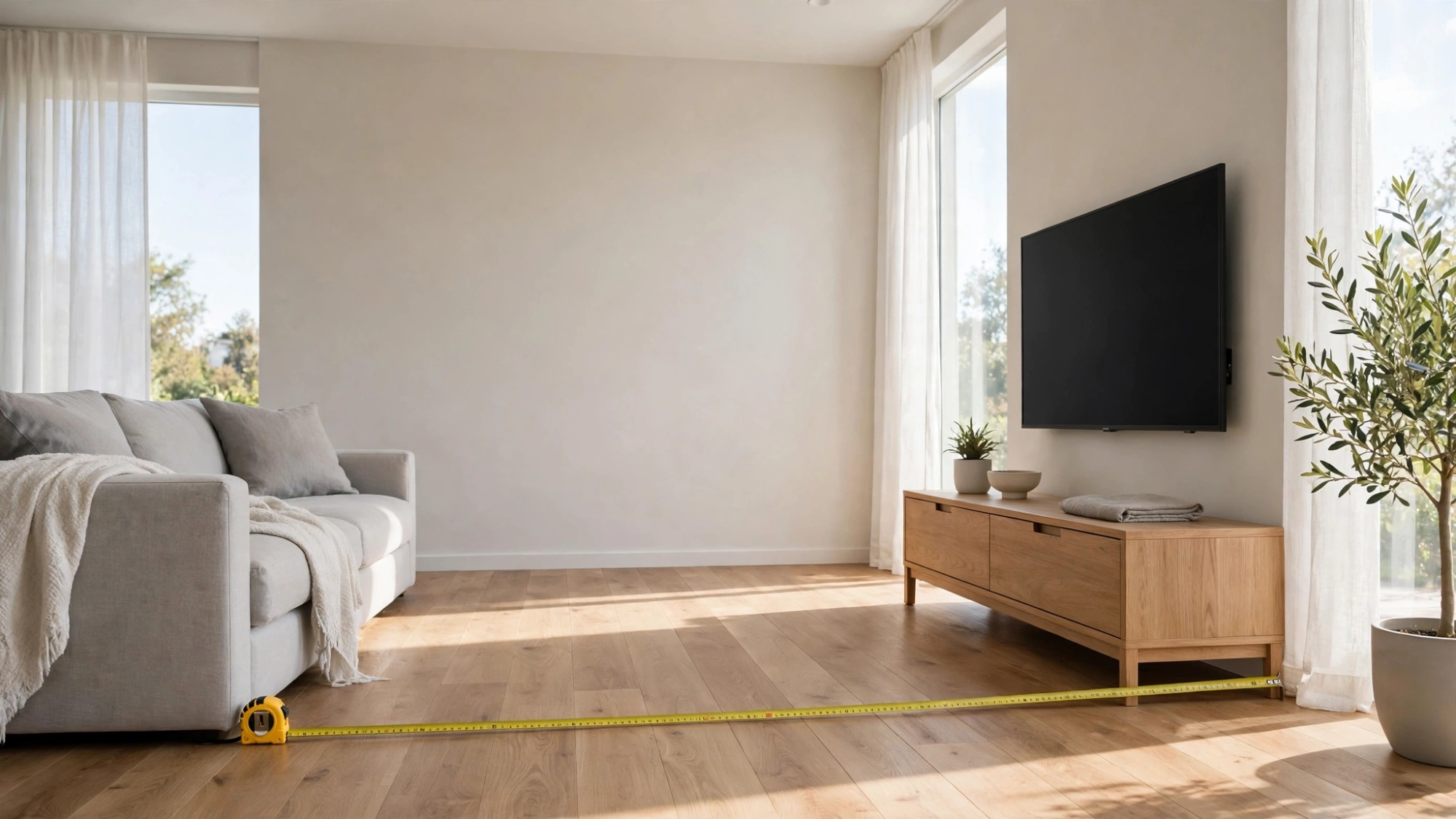
Quick Distance to Size Chart
Use this chart as a final check after the formula.
– 6 to 7 feet away: 43 to 50 inches – 8 to 9 feet away: 50 to 60 inches – 10 to 11 feet away: 60 to 70 inches – 12 to 13 feet away: 70 to 85 inches – 14 feet and more: 85 inches and up, or consider a projector
Treat the chart as a guardrail, not a cage. If your formula result falls between two sizes, pick the larger one for a 4K TV and the smaller one for 1080p. Prices drop fast in this market, so one size up often costs less than you expect.
The Bottom Line
Sara loves her 50 inch TV because it fits her room instead of fighting it. That is the whole secret. Measure once, divide by 2.5, and let the numbers choose for you. When you get TV size for room distance right, an ordinary room turns into a real theater, and movie night finally feels like an event.